
Protoplasm, listening
Light,
played by ear.
A press of glass. A breath of light.
Music finds its way into the liquid.
Advanced audio is here on iPhone and iPad.
Included with Operator, our optional one-time paid upgrade.
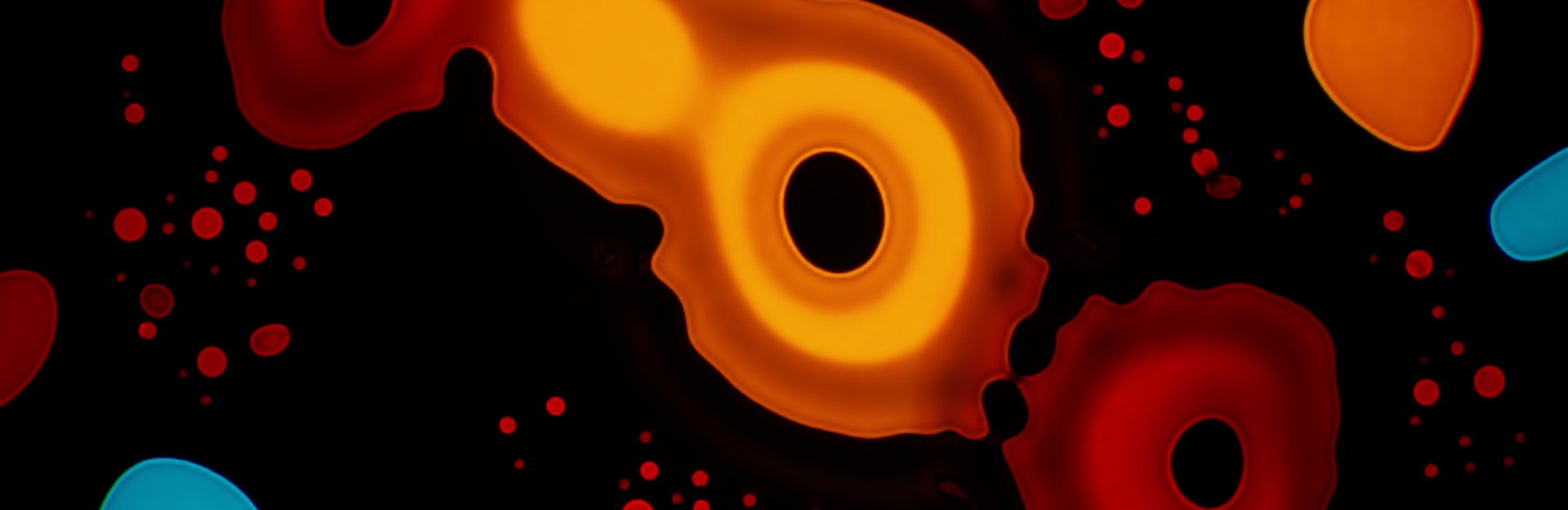
Try basic Listen in the web show. Get advanced audio in Protoplasm 1.1 for iPhone and iPad.
Through the light table
A little pressure.
A little patience.
The music uses the same glass, light and stirring gestures you can play by hand. Sound guides the Artist, Protoplasm’s automatic performer, through a simulated dish of oil, dye and water.
The pulse.
The glass presses with the estimated beat. A deeper accent pushes the liquid a little further; the shapes carry the movement on.
The glow.
Bass lifts the light. Rising energy brings more heat. High frequencies add shimmer across the surface.
The pause.
A quiet break after a louder passage can hold the Artist’s gesture. The liquid has room to settle. When the music returns, the Artist can answer.
Music detection helps soften the response to speech and room noise. Rhythm estimates vary with the track and the sound reaching the microphone.
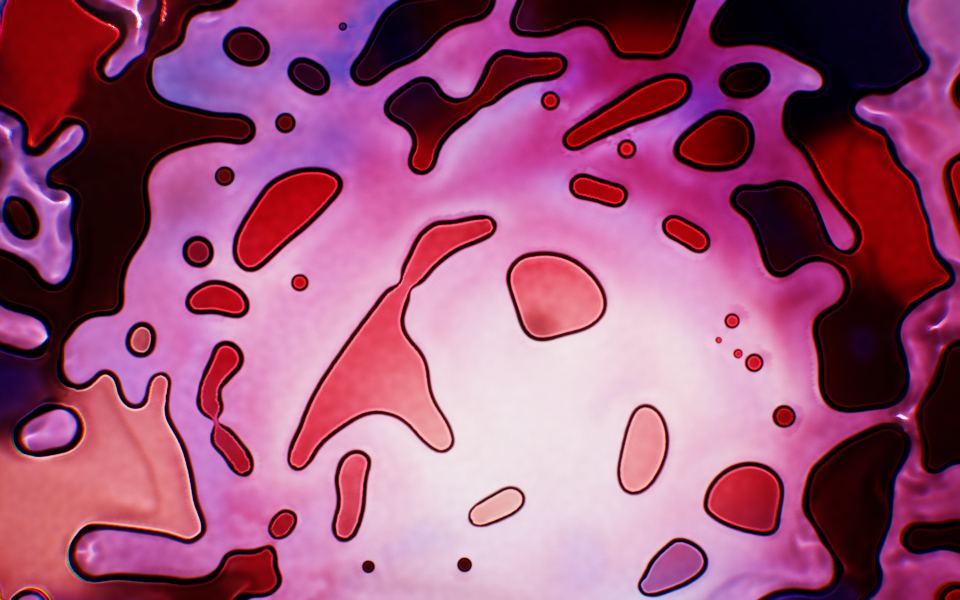
Gesture and rest
A hand
in the music.
Liquid light performers worked oil and dye between glass. The Artist carries that idea into Protoplasm: stirring, drawing, then waiting for the liquid to unfold.
Advanced audio gives those gestures an ear. Quiet music can leave more space; louder passages can bring quicker strokes and stronger turns. Turn on the Artist and let the performance take its time.
Read the hands-on-glass backstoryAdvanced audio controls
A balance
of your own.
Keep the beat soft. Let the light breathe. Six separate response amounts let you find the balance, with a switch for each. Turn a response off and its chosen amount stays ready for this session.
Stop listening and the light, heat and shimmer return to your scene settings, including adjustments you made while listening.
Jets and Artist response require the Artist to be on.
- Beat accents Glass
- Light Brightness
- Heat Motion
- Shimmer Surface
- Jets Stirring
- Artist response Gesture
Microphone choice
Choose what
the show hears.
When more than one microphone input is available, choose the one that suits your setup. The picker shows the active input and includes System default.
Included with Operator for iPhone and iPad. Available inputs depend on your device and operating system.
Set up your inputAvailable on iPhone & iPad
Listen today.
More with Operator.
For iPhone & iPad on the App Store
Listen
Bass moves the liquid; high frequencies lift the light. Turn on Listen to bring your microphone into the show.
Operator
Beat accents, light, heat, shimmer and Artist gestures guided by sound. Adjust each response separately. Upgrade inside Protoplasm.
Advanced audio requires Protoplasm 1.1 with Operator. The Mac release is being prepared separately. Apple TV has no audio input or music reactivity.